Free Virtual Assistant Invoice Generator
Build a virtual assistant invoice using common service line items and billing guidance for this profession.
Enter your details, preview the document, then download it as PDF or Word. Your entries are not saved to this browser or uploaded to our site.
What to include in a virtual assistant invoice
- Your business name and contact details
- A unique invoice number and the issue date
- Itemised services with quantity and rate
- Tax, if you are registered, and the total due
- Payment terms and how to pay you
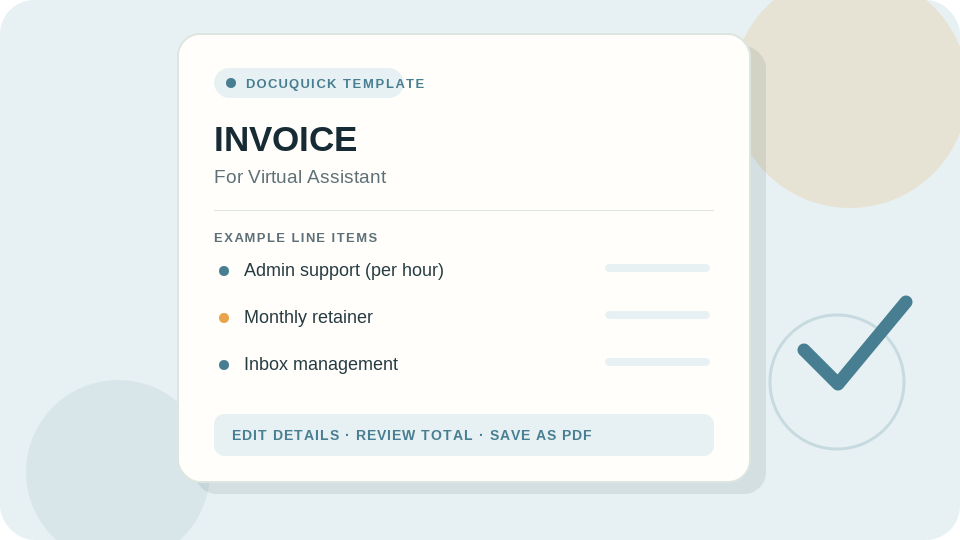
Typical virtual assistant line items
| Service | Example price |
|---|---|
| Admin support (per hour) | 30 |
| Monthly retainer | 600 |
| Inbox management | 150 |
Prices are placeholders. Replace them with your own rates.
How Virtual Assistants bill their work
Virtual-assistant work may be billed by tracked hours, a monthly retainer, or a defined task package. Identify the billing period and included capacity so extra work is visible.
Common billing situations
- An hourly support invoice can show the service period, task category, and approved hours without exposing private client records.
- A monthly retainer can name the month and included capacity, with any approved overage billed separately.
Payment terms to agree
Define the retainer period, included hours or deliverables, response expectations, and how unused capacity is treated. Agree how extra hours are approved before they are added.
Additional charges to itemise
- Approved hours beyond the retainer
- Specialist software, research, or project setup agreed with the client
- Urgent support outside the normal schedule, if agreed
Worked example: Virtual Assistant Invoice
This illustration uses one of the common virtual assistant billing situations above. Check how the sample quantities and rates combine, then adapt the lines to the actual agreement.
| Service | Quantity | Example rate | Line total |
|---|---|---|---|
| Monthly retainer | 1 | 600.00 | 600.00 |
| Illustrative subtotal | 600.00 | ||
Use the calculation to request payment for the completed or agreed billable work shown; identify the service period and payment terms. Figures use the sample rates above, exclude tax and other adjustments, and are not market-rate recommendations. Change the currency, quantities, and prices to match the actual agreement.
A common mistake to avoid
Avoid billing the same work both inside a retainer and as extra hourly support. Show the included scope and explain each overage.
Virtual Assistant invoice questions
How should a virtual assistant invoice a retainer?
Name the covered month, the retainer scope or included hours, and any separately approved work outside that scope.
Can I bill unused retainer hours again next month?
Only if rollover was part of the agreement. State the rollover rule and show the actual balance rather than assuming it.
Do I need an invoice number?
Yes. Sequential numbers help you and your client track payments, and many tax authorities require them.
More for virtual assistants
Virtual Assistant QuoteVirtual Assistant ReceiptVirtual Assistant Pro Forma InvoiceVirtual Assistant Credit Note
Related guides
Browse practical invoicing guides for freelancers and small businesses.